
June 7, 2026
CLAUDE.md vs Skills vs Subagents vs Hooks vs MCP: Choosing the Right Claude Code Customization Tool
By DevFlares Team
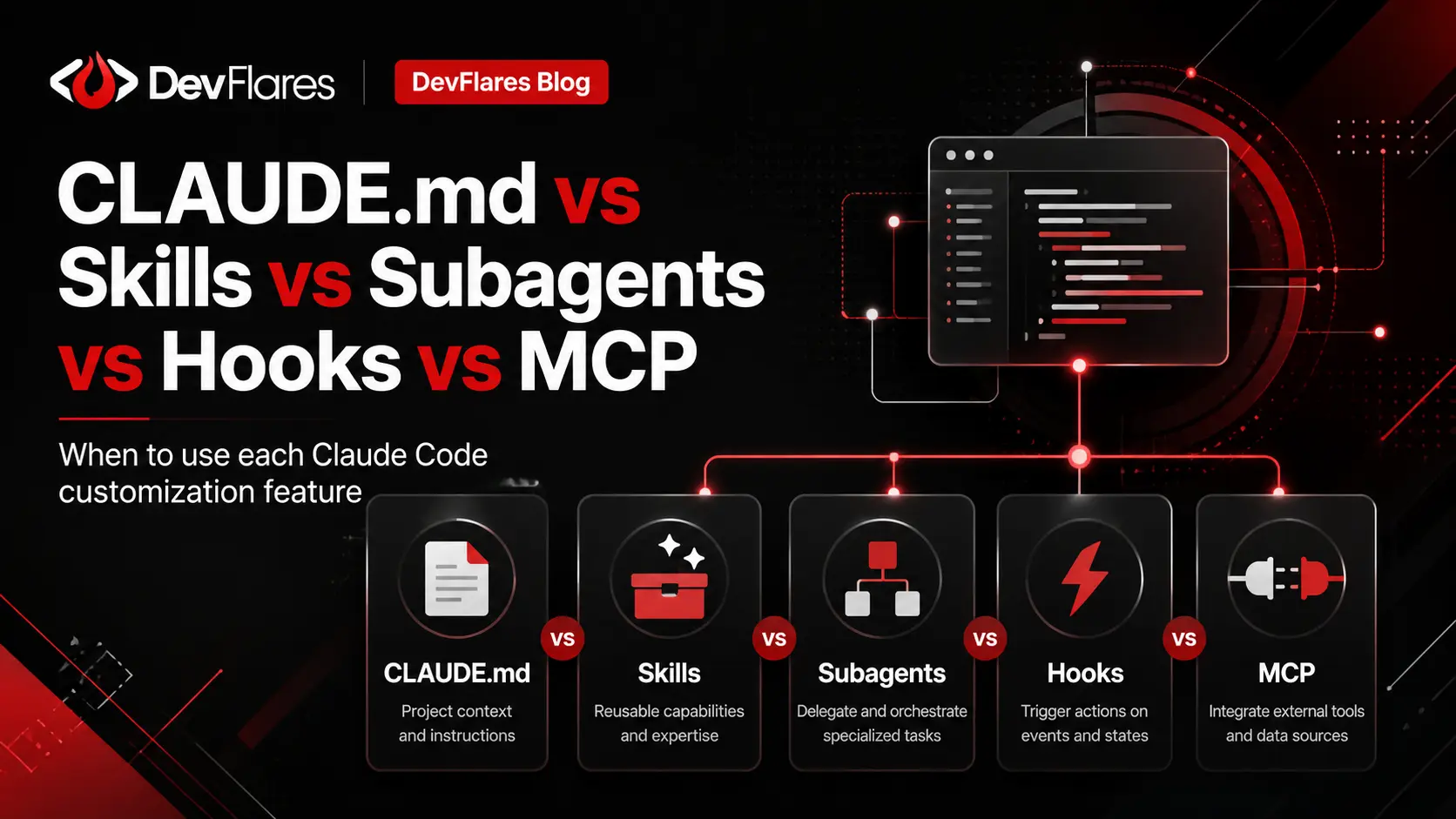
Claude Code ships with five distinct customization features — and most teams use them wrong. Not because they are difficult to understand individually, but because it is easy to treat them as alternatives rather than as a coordinated system, each one designed for a specific class of problem.
The result is predictable: CLAUDE.md files that read like instruction manuals, Skills that duplicate project standards already in the context, hooks that nobody trusted enough to actually enforce anything, and MCP servers connected out of curiosity with no clear purpose. Every misplaced instruction makes Claude slightly less useful for every task that follows.
"Use CLAUDE.md for rules, Skills for procedures, subagents for delegation, hooks for automation, and MCP for external capabilities. Each feature handles the type of concern it was designed for — and only that.
Why this matters now: As AI-assisted development matures, the teams that extract the most value are not those with the most Claude integrations — they are the ones who designed the right integration in the right layer. Context bloat, inconsistent automation, and unscoped external tools are engineering problems, not configuration problems. Treating Claude Code customization as a small architecture exercise changes the quality of every session that follows.
The Five Features at a Glance
Before diving into each feature individually, it helps to see them side by side. The clearest way to understand what belongs where is to look at when each feature activates and what it adds to Claude's working context.
| Feature | Primary Purpose | When It Activates | Best Used For |
|---|---|---|---|
CLAUDE.md |
Persistent project guidance | Every session, automatically | Coding standards, architecture rules, project constraints |
| Skills | Task-specific expertise | When invoked or auto-matched | Procedures, checklists, repeatable workflows |
| Subagents | Delegated execution | Invoked for a focused task | Research, code review, exploration, isolated work |
| Hooks | Automated reactions to events | Triggered by lifecycle events | Formatting, validation, notifications, enforcement |
| MCP Servers | External tools and integrations | Called when external access is needed | GitHub, Jira, databases, Sentry, browsers, APIs |
CLAUDE.md — The Engineering Handbook Claude Reads Every Time
Think of CLAUDE.md as the engineering handbook Claude reads before starting any task in your repository. It loads automatically into every session and carries the foundational context that Claude should apply consistently — whether fixing a bug, writing a migration, reviewing a pull request, or generating documentation.
The practical test for whether something belongs in CLAUDE.md is simple: should Claude apply this instruction during almost every task in this repository? If yes, it belongs here. If it is only relevant for specific request types, it is probably a Skill.
✓ What Belongs Here
- · Framework and language conventions
- · Repository structure notes
- · Build and test commands
- · Architectural decisions
- · Security constraints
- · Files Claude should not touch
✗ What Does Not Belong
- · 40-step deployment checklists
- · Detailed PR review procedures
- · Task-specific workflows
- · Reference docs that rarely apply
- · Procedures only one role uses
- · Instructions that are only sometimes true
Skills — Task-Specific Expertise, Loaded Only When Needed
Skills are reusable instruction sets that Claude loads when they become relevant. The key word is when. A pull-request review checklist that covers security, breaking changes, missing validation, error handling, test coverage, and observability is genuinely valuable — but it has no business consuming context tokens while Claude is correcting a spelling error in a README.
A bloated context window makes Claude less focused on the task at hand. Skills let you keep detailed, expert-level procedures available without forcing Claude to carry them into unrelated work.
| Put It in CLAUDE.md When… | Create a Skill When… |
|---|---|
| The guidance applies to almost every task | The guidance is relevant only for certain requests |
| The content is concise and foundational | The content is a detailed, multi-step procedure |
| Claude should always know the rule | Claude should load the expertise only when needed |
| You are documenting project standards | You are defining a reusable workflow |
Subagents — Delegated Work in a Separate Context Window
Skills and subagents are often confused because both can specialize Claude's behavior. The difference is architectural. A Skill adds instructions to the current task — Claude uses them as part of its active reasoning. A subagent performs work in a completely separate context window and returns only the result.
Consider updating an authentication flow in a large codebase. Before writing a single line, Claude may need to inspect existing guards, middleware, JWT utilities, user schemas, refresh-token logic, frontend interceptors, and related tests. Loading every file and log from that investigation into the main conversation consumes context that should be reserved for implementation decisions. A subagent investigates and returns a summary — the primary session stays clean.
When Subagents Deliver the Most Value
Skills and subagents also compose well. A security-review subagent can run independently while a security-audit Skill provides the checklist it should follow — returning only ranked findings to the primary session.
Hooks — Deterministic Automation That Does Not Require Prompting
Hooks are event-driven. Instead of waiting for a prompt, they fire automatically when a specific lifecycle event occurs — a file is edited, a tool runs, a session ends. This is an entirely different class of capability from the other four features.
The critical distinction: CLAUDE.md can tell Claude not to edit a protected file. A hook can actively prevent it. One is guidance; the other is enforcement. When consistency matters — formatting, security checks, pre-commit validation — use the feature that cannot be reasoned around.
| Use a Skill When… | Use a Hook When… |
|---|---|
| Claude needs knowledge to make better decisions | An action should happen automatically on an event |
| Behavior depends on what the user requested | Behavior depends on what lifecycle event fired |
| Claude should follow a procedure | A script, validator, or endpoint should run |
| Reasoning and judgment are required | Enforcement or deterministic automation is required |
MCP Servers — External Capabilities, Not Smarter Instructions
The Model Context Protocol lets Claude Code interact with tools and data sources that live outside the repository. An MCP server is not a more advanced Skill — it is a tool provider. It gives Claude the ability to act on external systems: query a database, create a Jira ticket, inspect a Sentry error, or open a browser.
Without MCP, debugging a production issue means manually assembling context from multiple systems. With the right integrations, Claude can query those systems directly — fetch the Sentry trace, find the related ticket, inspect the code path, and suggest a fix in a single request. The operational payoff is real, but it requires restraint: every connected server adds tools Claude must consider on every call.
Engineering & Code
- → GitHub pull requests & repos
- → Sentry errors & stack traces
- → Browser automation
Project Management
- → Jira / Linear issues
- → Slack messages
- → Figma design files
Data & Infrastructure
- → PostgreSQL / read replicas
- → Internal documentation search
- → Custom engineering tools
A Practical Decision Framework
When adding any Claude Code customization, start with the problem rather than the feature. These five questions route most decisions correctly.
Is this a project rule Claude should follow almost every time?
Use CLAUDE.md. Keep it focused on durable standards — framework choices, architecture rules, security constraints, commands.
Is this a reusable procedure needed only for certain requests?
Create a Skill. Detailed procedures — PR review checklists, release steps, test-writing guides — belong here, not in CLAUDE.md.
Would this task generate noisy intermediate context or benefit from isolation?
Use a Subagent. Let it do the messy exploration and return only the conclusion — keeping the primary session focused on decisions.
Should something run automatically when an event occurs?
Add a Hook. If the system should enforce it without prompting — format after edit, block a dangerous command, validate before commit — hooks are the right tool.
Does Claude need to communicate with an external system?
Connect an MCP Server. But connect it selectively — scope permissions carefully and only integrate systems your workflow genuinely requires.
A Production-Ready Setup: How the Layers Fit Together
A backend engineering team running Claude Code in production might layer the five features like this. Notice that no single layer carries the entire workflow — each one has a narrow, well-defined responsibility.
- ■ NestJS module structure
- ■ PostgreSQL via repository layer
- ■ No prod infra changes without approval
- ■ Lint + relevant tests before done
- ■ /api-review
- ■ /release-checklist
- ■ /write-tests
- ■ /security-audit
- ■ codebase-explorer
- ■ security-reviewer
- ■ test-failure-investigator
- ■ documentation-researcher
- ■ Prettier after file edits
- ■ ESLint on TypeScript changes
- ■ Block edits to protected infra
- ■ Notify on approval required
- ■ GitHub
- ■ Jira
- ■ Sentry
- ■ PostgreSQL read replica
Risks & Guardrails
Five common mistakes that degrade the quality of every Claude Code session.
Practical Rollout Plan
Adopting these features incrementally reduces risk and builds team confidence. Start with the highest-signal layer and add complexity only when the simpler option is not enough.
Where DevFlares Helps
At DevFlares, we work with engineering teams to design and implement production-grade AI development workflows — including Claude Code setups that combine CLAUDE.md project standards, Skills, subagents, hooks, and MCP integrations into a coherent system with a clear division of responsibilities.
If your team is investing in AI-assisted development and wants to avoid context bloat, inconsistent automation, and unscoped external integrations, reach out — we can help you design a setup that fits your stack and delivery model.